Build a Custom 2-Drawer Unit — Complete Plans for Any Size
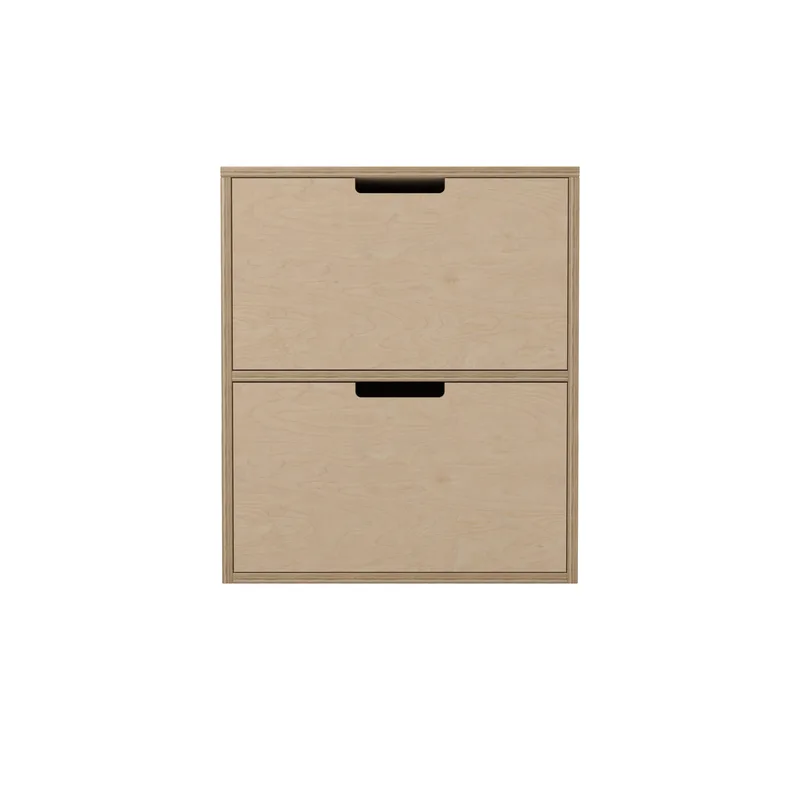
Your bedside table needs to be exactly 400mm wide. The store sells 500mm or 600mm. You could make it work — if you don't mind the overhang blocking the hallway.
Standard furniture doesn't fit non-standard spaces.
Autofab's drawer unit designer lets you enter your exact dimensions — width, depth, height, even individual drawer heights. The system calculates every piece, every cut, every slide. Professional plans in seconds.
Here's the full project from start to finish.
Recommended Tools
| Tool | What it's for |
|---|---|
| Circular saw or table saw | Straight, precise cuts in plywood |
| Drill with bits and drivers | Pilot holes and assembly |
| Pocket hole jig | Hidden screw joints (Kreg or similar) |
| Tape measure | Marking dimensions accurately |
| Combination square | Checking 90° angles |
| Clamps (at least 4) | Holding pieces during gluing |
| Sandpaper (120 and 220 grit) | Smoothing surfaces before finishing |
| Safety glasses | Eye protection during work |
| Drawer slide mounting jig | Installing drawer slides level |
Required Materials
For the default 600 x 450 x 700mm 2-drawer unit in 18mm plywood:
| Material | Qty | Notes |
|---|---|---|
| Plywood 18mm (1220 x 2440mm) | 1-2 sheets | Standard 4'x8' sheets |
| Pocket hole screws | 50 pcs | Length depends on thickness |
| Wood glue (PVA) | 1 bottle | Carpenter's white glue |
| Full-extension drawer slides | 4 pairs | Soft-close recommended |
| Wood finish | 1 can | Lacquer, varnish, or oil |
The Pieces
With Autofab's plans, you get all 18 pieces calculated to the millimeter for your exact dimensions. The structure has 6 pieces (sides, top, bottom, back, divider) and each drawer has 6 pieces (front cover, inner front, back, two sides, bottom). You can cut them yourself or take the cutting diagram to your nearest cutting center.
Cut List
Structure (6 pieces):
| # | Part | Dimensions | Qty |
|---|---|---|---|
| 1 | Left Side | 682 x 450 x 18mm | 1 |
| 2 | Right Side | 682 x 450 x 18mm | 1 |
| 3 | Bottom Panel | 564 x 450 x 18mm | 1 |
| 4 | Top Panel | 600 x 450 x 18mm | 1 |
| 5 | Back Panel | 664 x 564 x 18mm | 1 |
| 6 | Divider | 564 x 432 x 18mm | 1 |
Each Drawer (6 pieces x 2 drawers = 12 pieces):
| # | Part | Dimensions | Qty |
|---|---|---|---|
| 7 | Front Cover | 596 x 319 x 18mm | 1 |
| 8 | Inner Front | 504 x 278 x 18mm | 1 |
| 9 | Back Panel | 504 x 278 x 18mm | 1 |
| 10 | Left Side | 396 x 278 x 18mm | 1 |
| 11 | Right Side | 396 x 278 x 18mm | 1 |
| 12 | Bottom | 504 x 396 x 18mm | 1 |
Cutting Layout
The plans include optimized nesting diagrams — all 18 pieces arranged on standard plywood sheets:
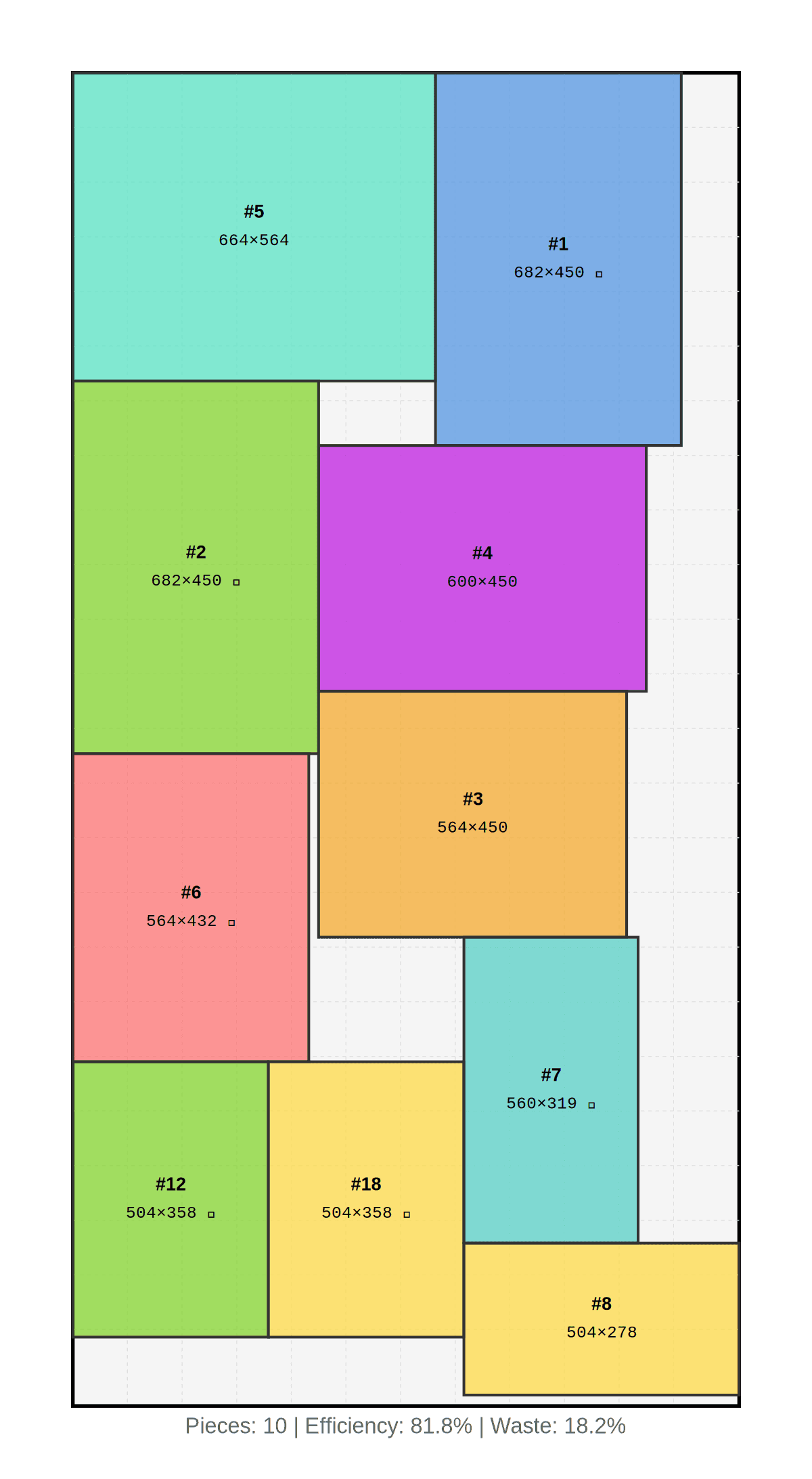 Sheet 1
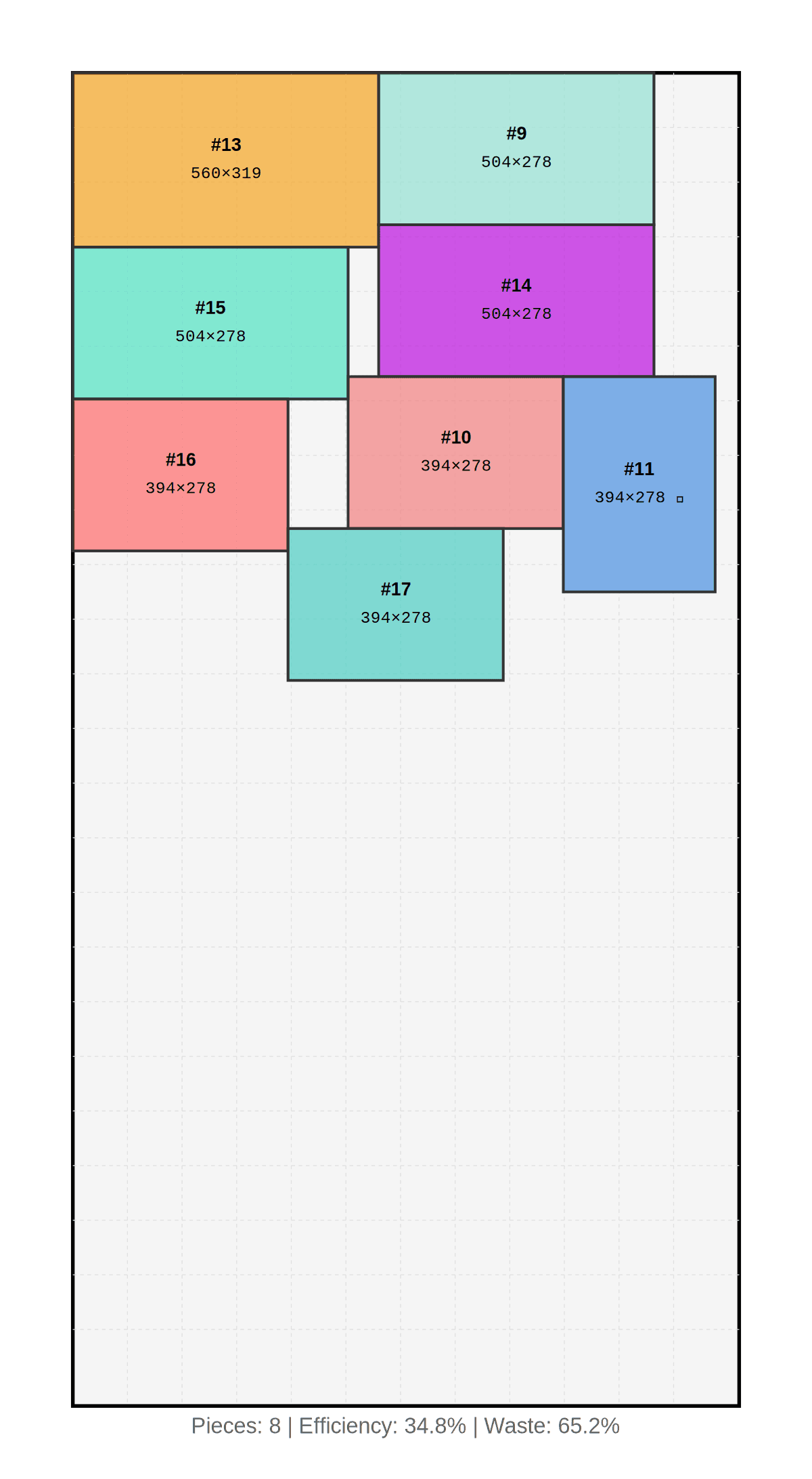 Sheet 2
No math, no measuring errors. Print and take it to the cutting center.
Assembly
14 steps, about 120 minutes total. The structure goes up first, then each drawer is built as a sub-assembly and installed with slides.
Phase 1 — Main Structure
Step 1 — Place the Base (~5 min)
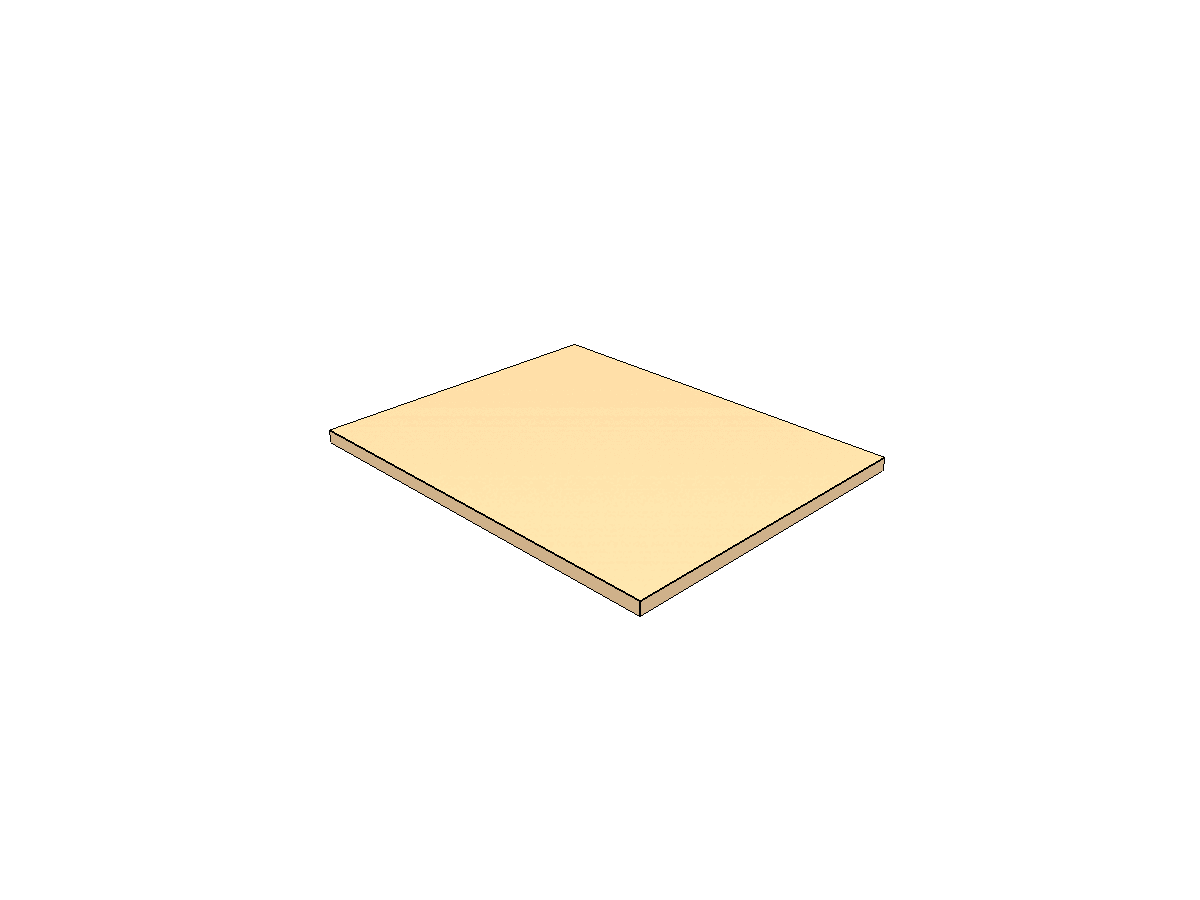 Step 1: Base panel
Place the base on a flat, stable surface. This is your reference — everything builds from here.
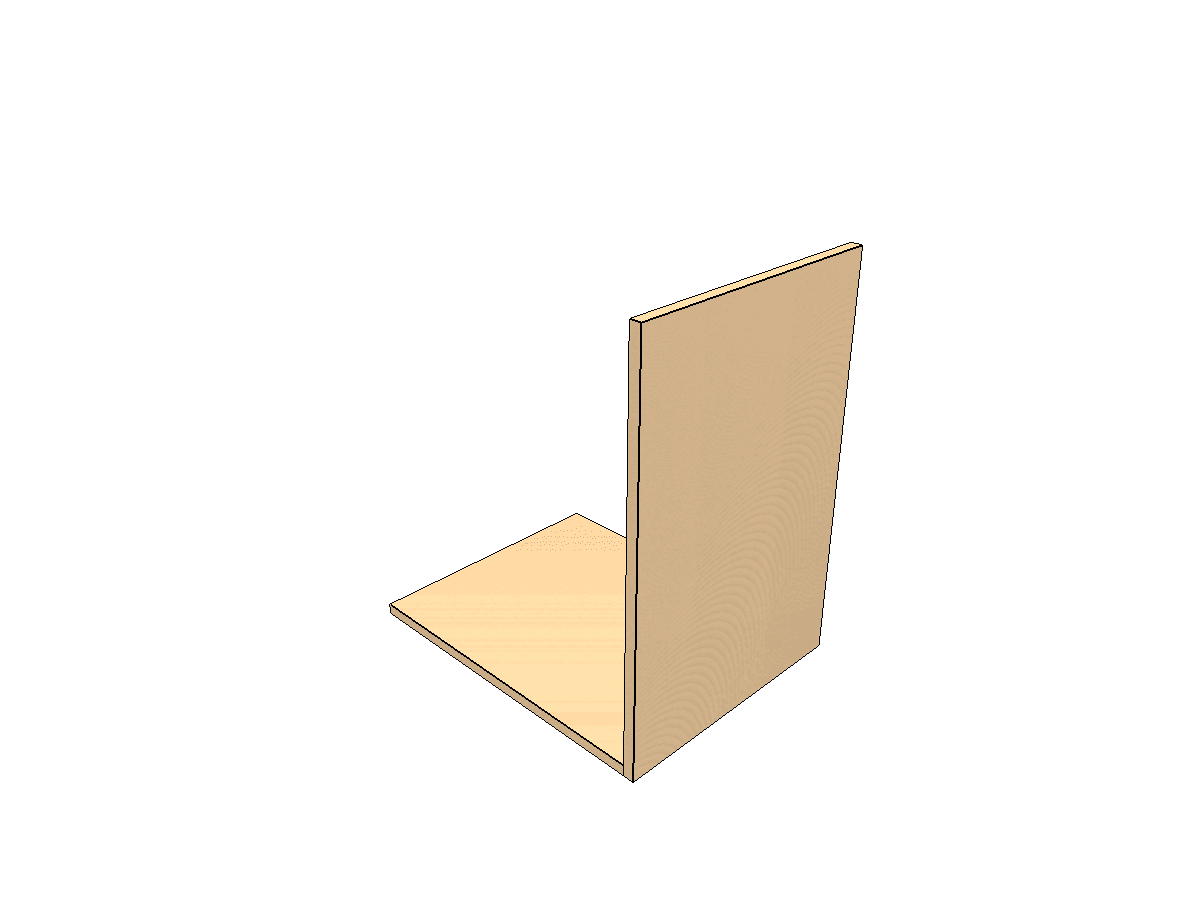
Step 2 — Right Side Panel (~10 min)
 Step 2: Right side panel
Align the right side panel with the base. Use a combination square to check the 90° angle before fastening. Clamp, drill pocket holes, and screw tight.
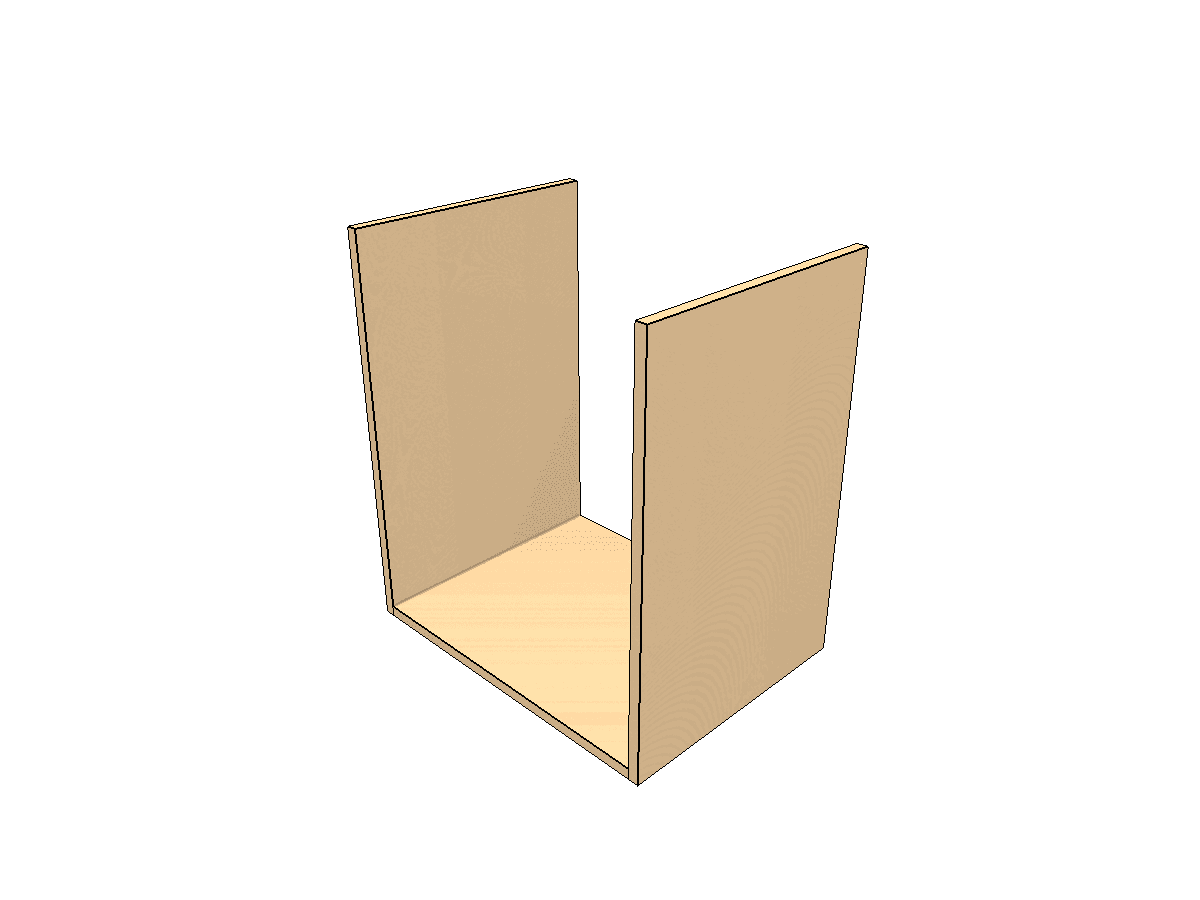
Step 3 — Left Side Panel (~10 min)
 Step 3: Both sides in place
Repeat with the left side panel, verifying it's square with the base.
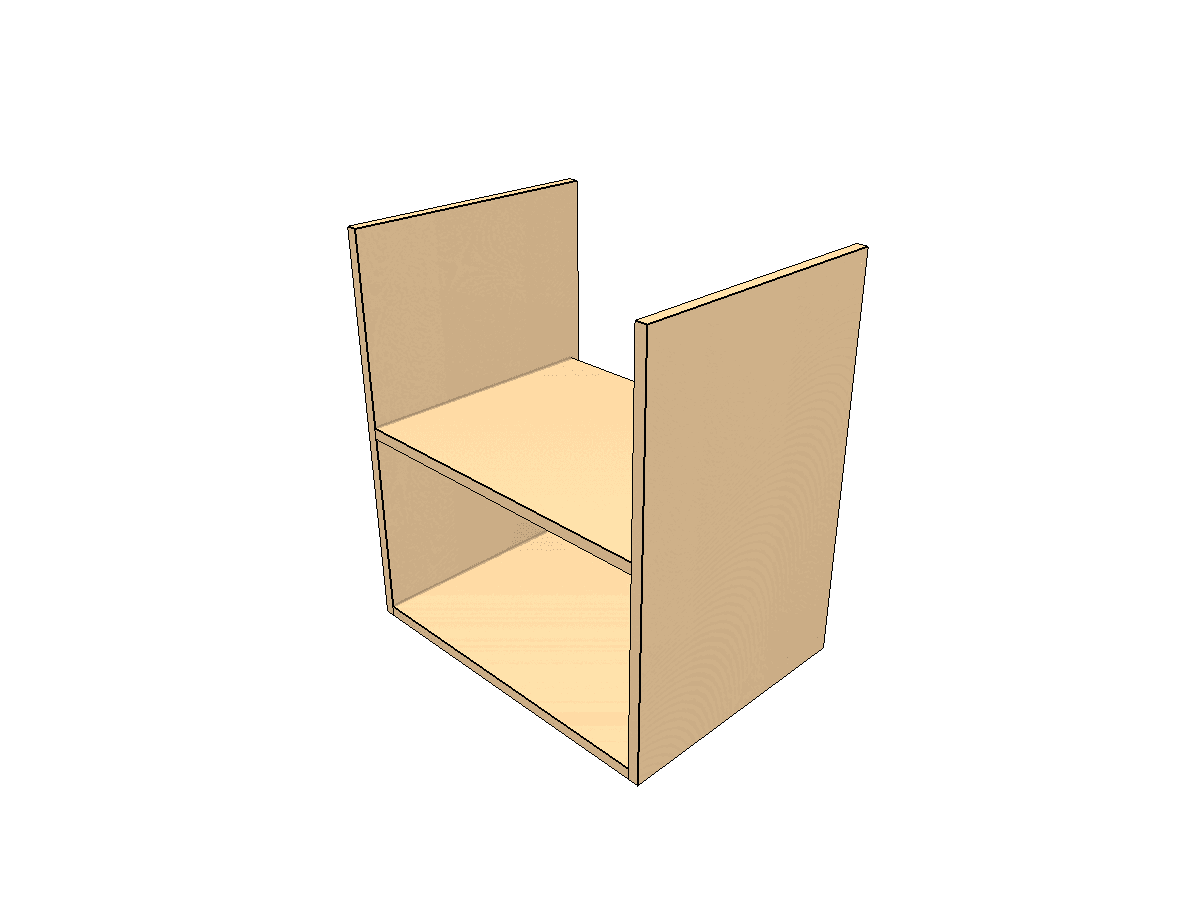
Step 4 — Divider (~10 min)
 Step 4: Horizontal divider installed
Install the horizontal divider that separates the two drawer compartments. Make sure it's level — this determines how smoothly the drawers operate.
Tip: Pre-drill all pocket holes before assembly. It's faster and more accurate when you focus only on alignment.
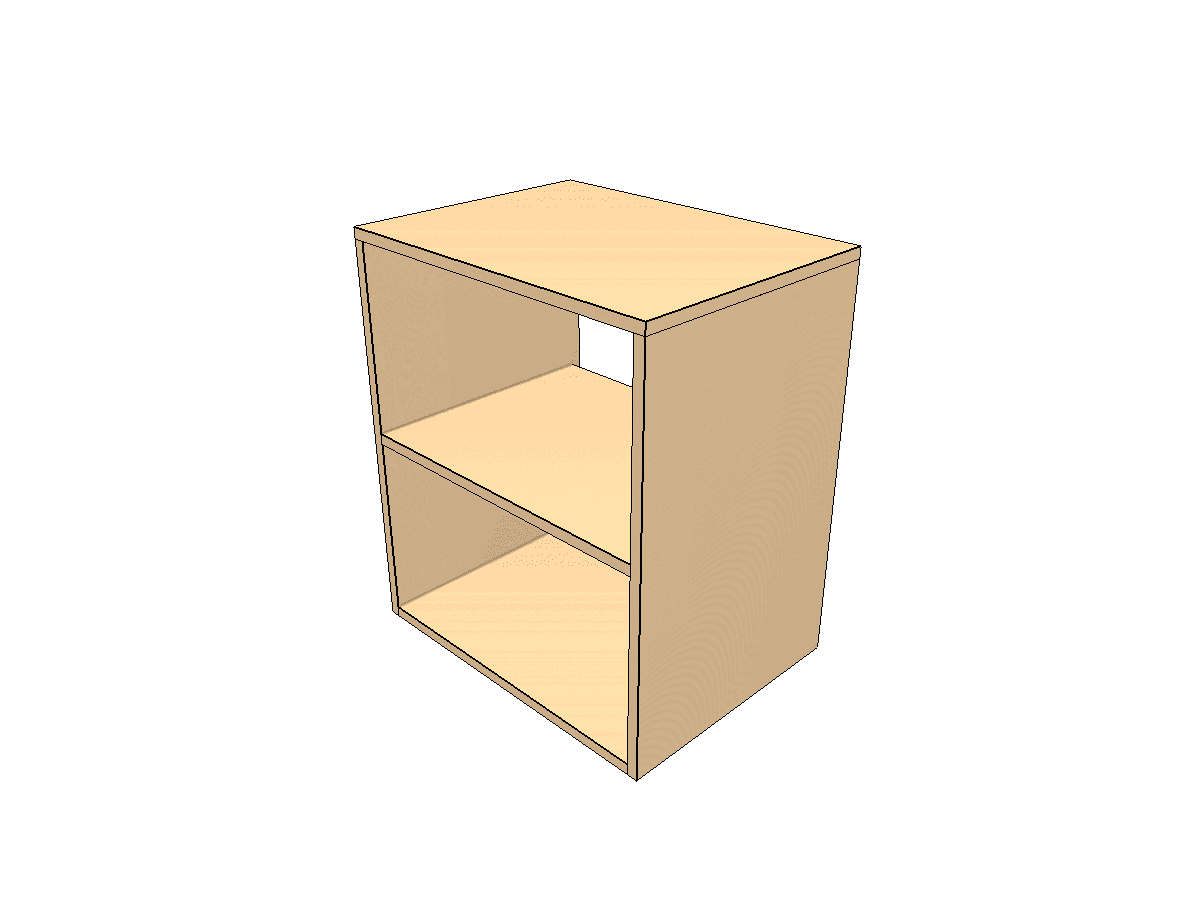
Step 5 — Top Panel (~10 min)
 Step 5: Top panel completes the box
Set the top over both sides and fasten. Check diagonals — they should be equal.
Step 6 — Back Panel (~10 min)
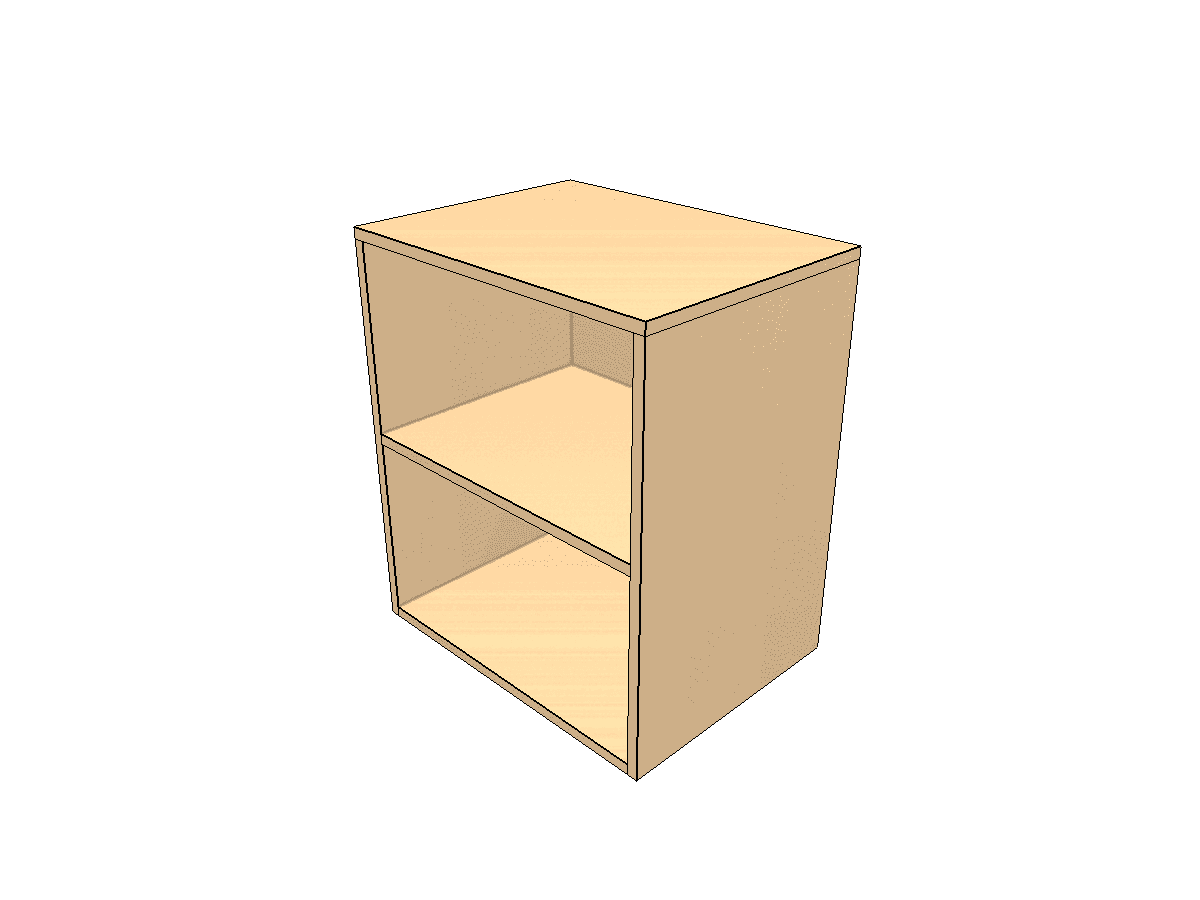 Step 6: Back panel adds rigidity
Attach the back panel. This keeps the entire unit square and rigid. Fasten with screws every 150mm along the edges.
Phase 2 — Drawer Assembly (repeat for each drawer)
Step 7 — Inner Front (~5 min)
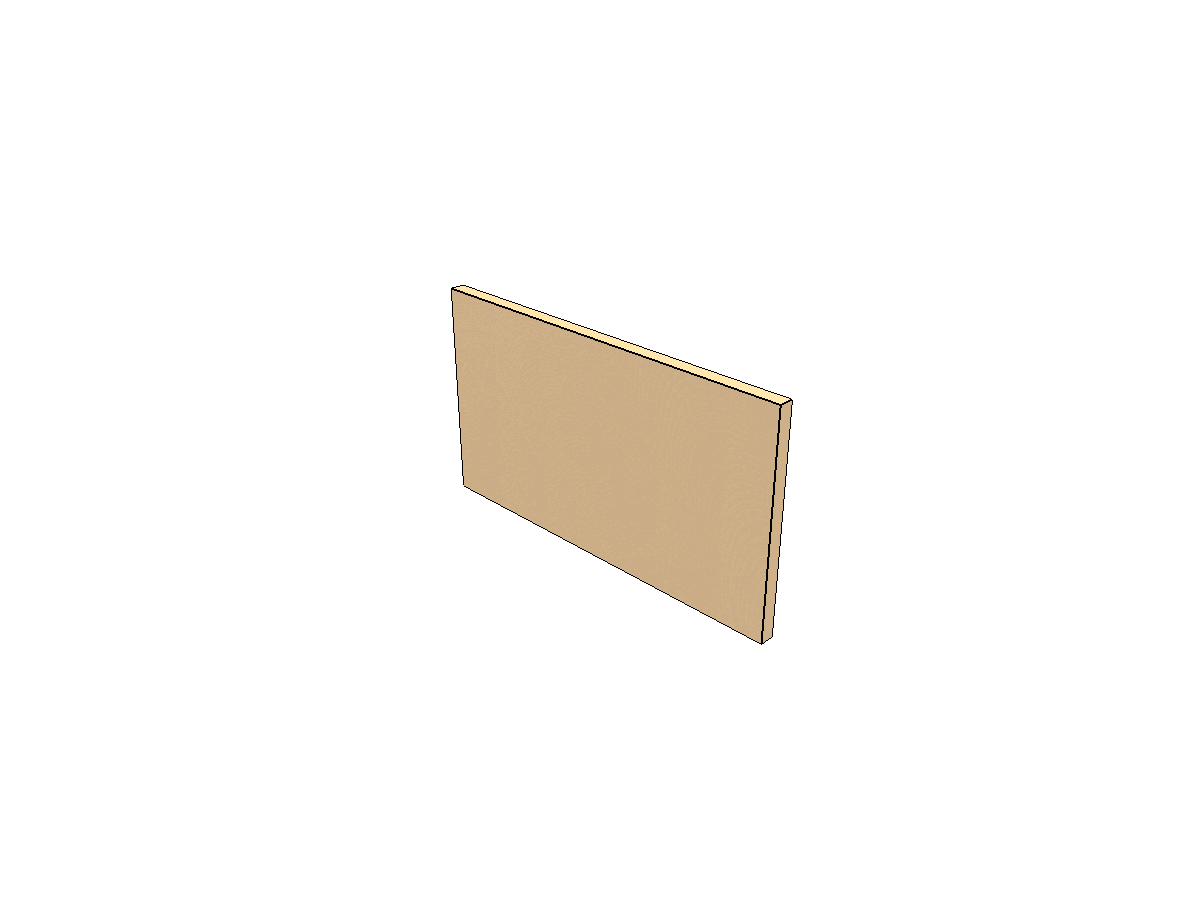 Step 7: Drawer inner front
On a separate surface, position the drawer inner front. This is the base of the drawer sub-assembly.
Step 8 — Right Side (~5 min)
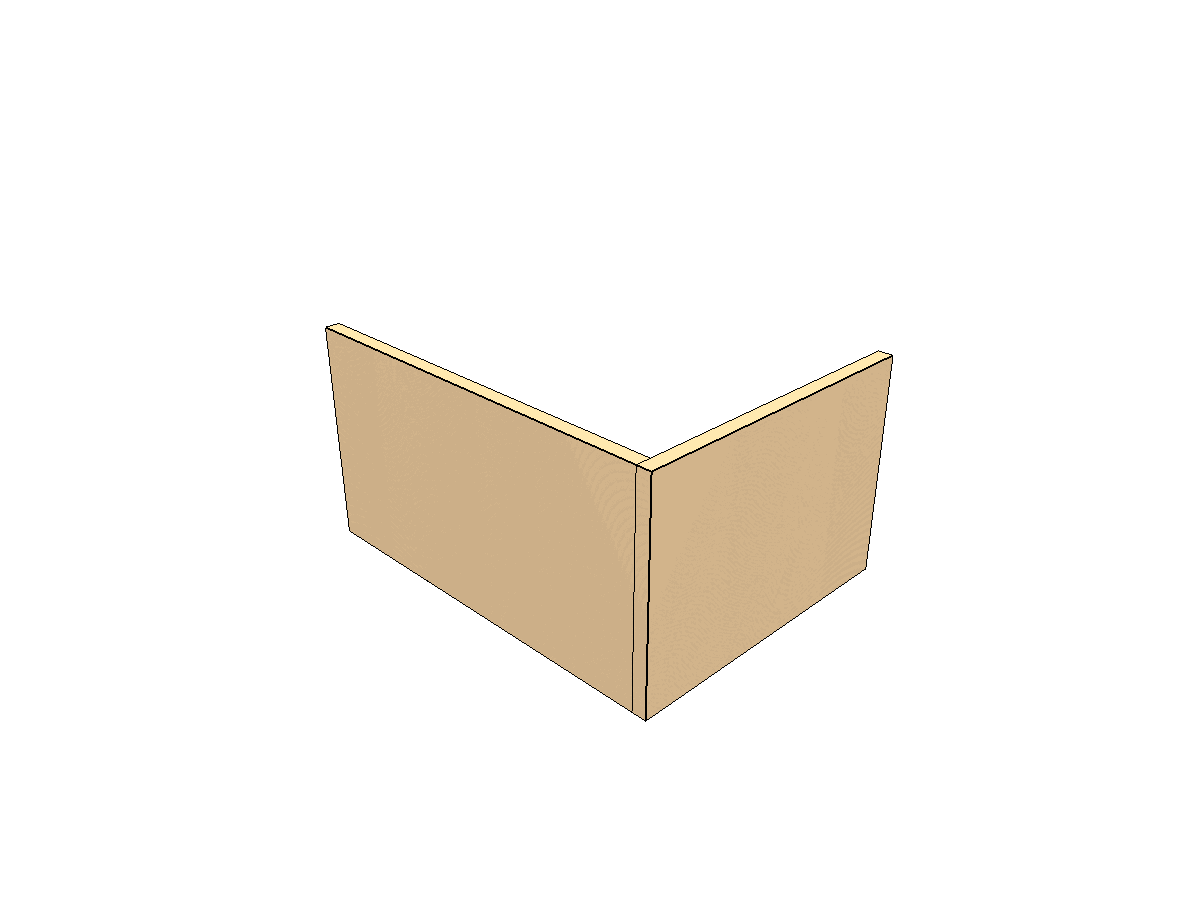 Step 8: Drawer right side
Align the drawer right side with the inner front and fasten, ensuring it's square.
Step 9 — Left Side (~5 min)
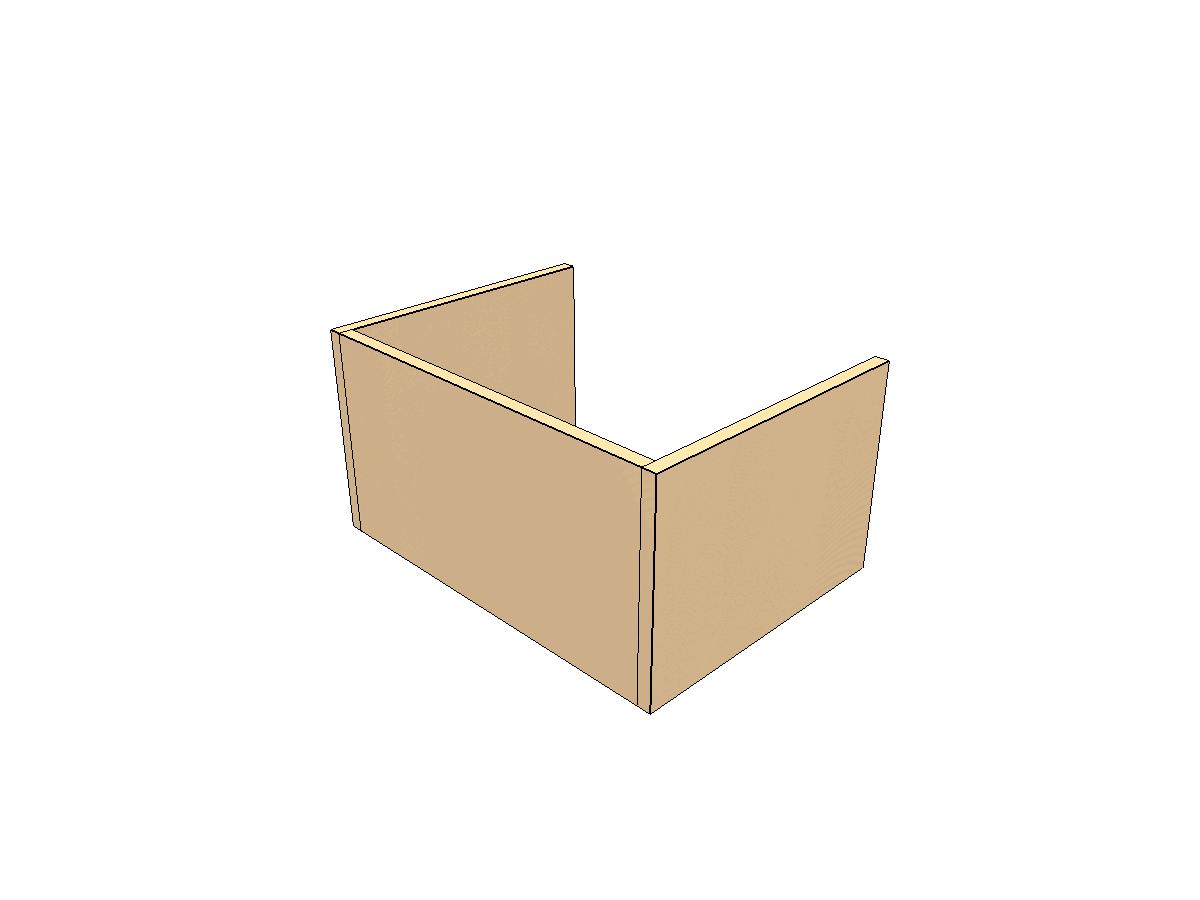 Step 9: Drawer left side
Repeat with the left side, checking for squareness.
Step 10 — Back Panel (~5 min)
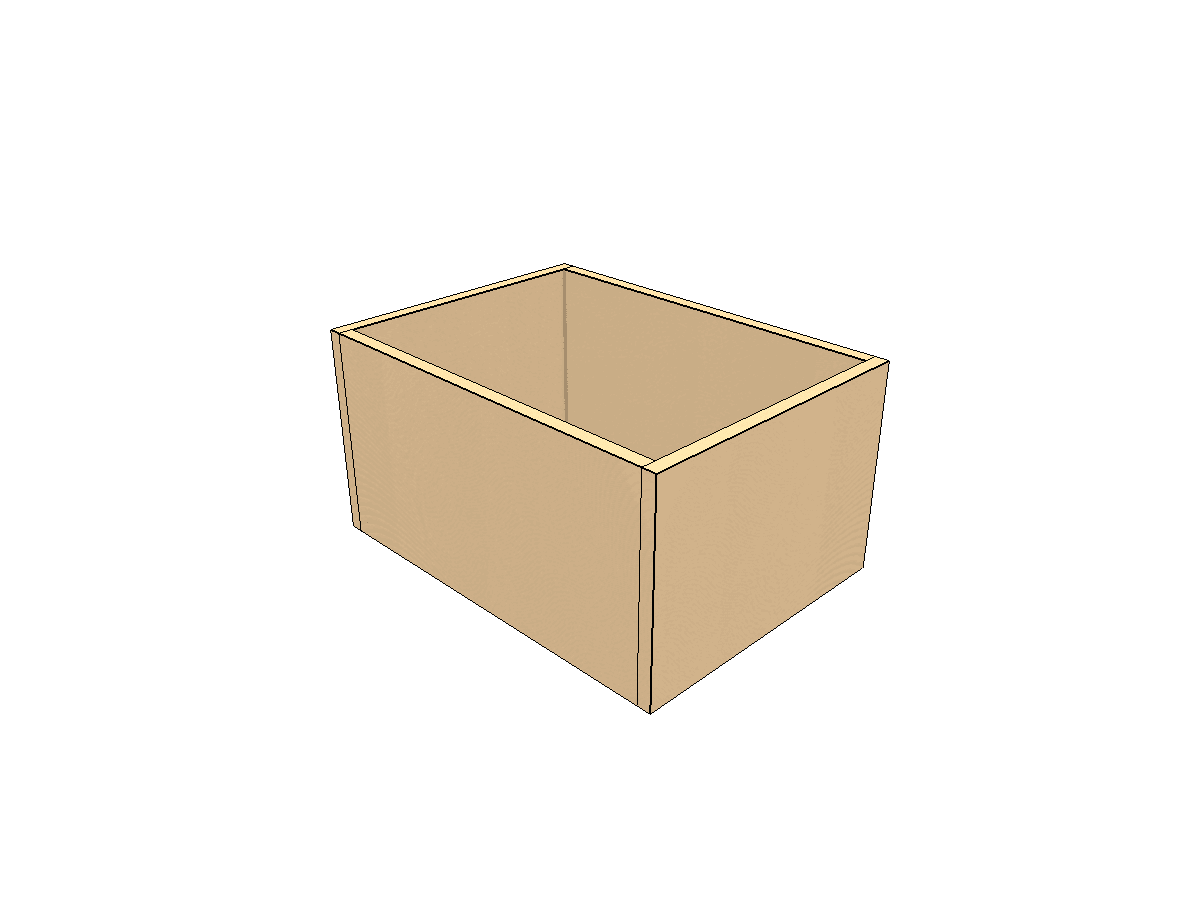 Step 10: Drawer back panel
Align the drawer back panel and fasten firmly, closing the frame.
Step 11 — Bottom (~5 min)
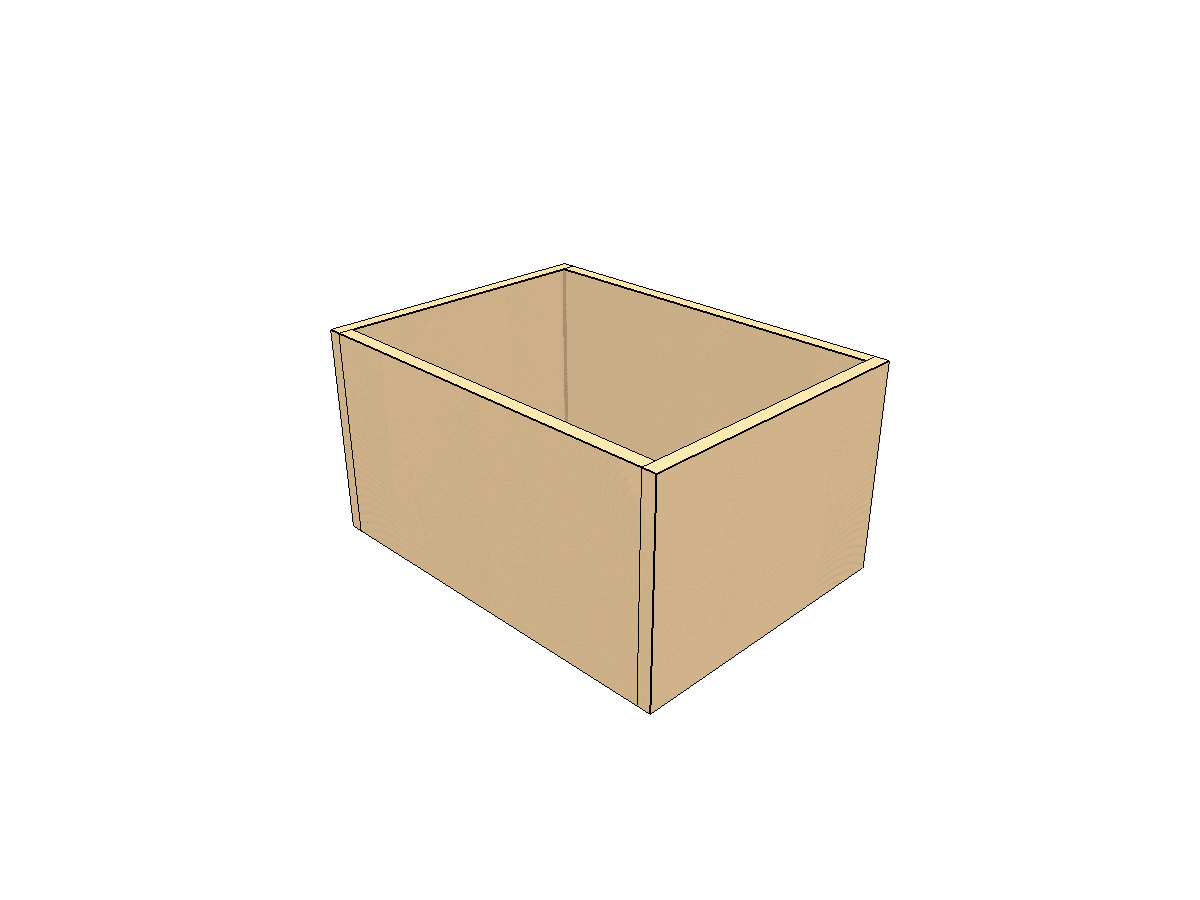 Step 11: Drawer bottom installed
Place the drawer bottom and fasten it. The drawer box is now complete.
Step 12 — Slide Installation (~15 min)
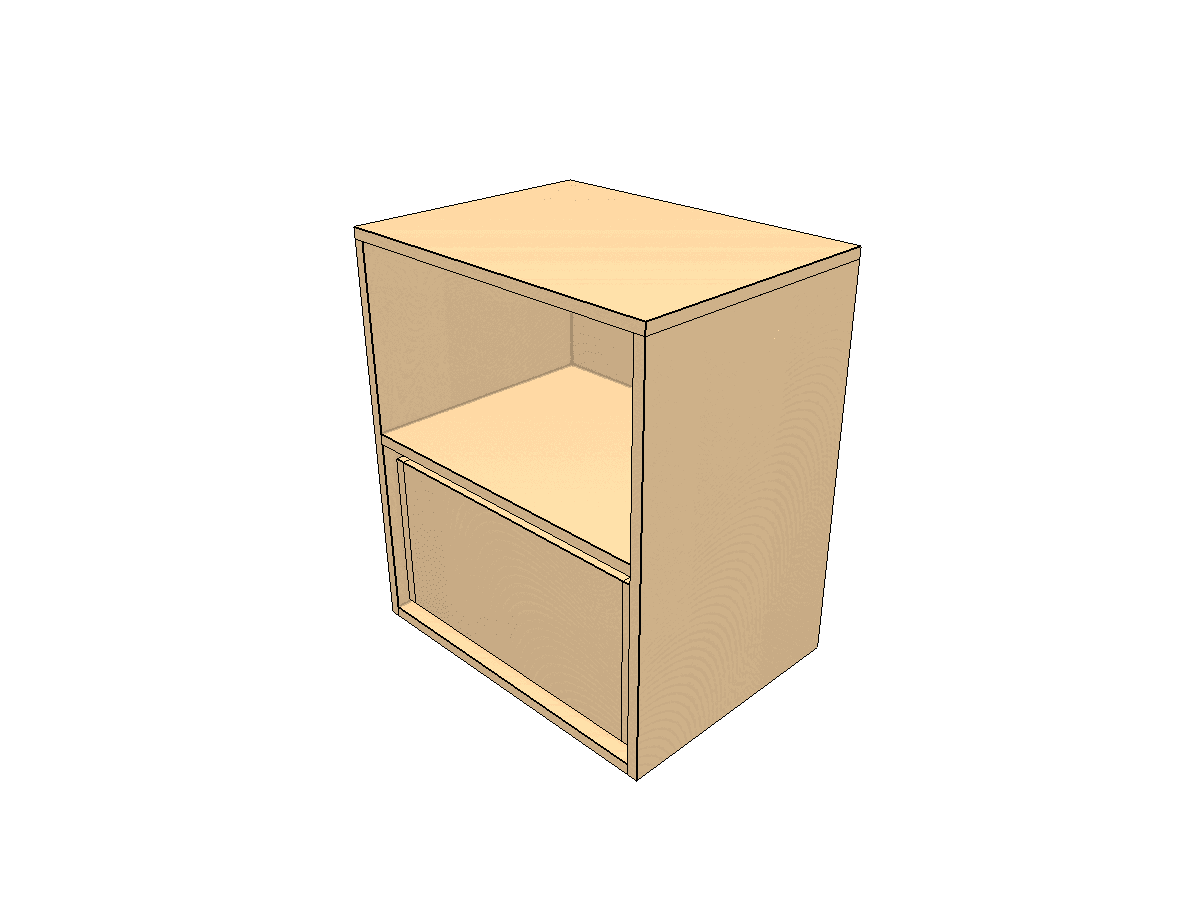 Step 12: Slides mounted
Mount the slides on both the structure and the drawer, following the manufacturer's instructions. The PDF includes a dedicated guide on slide installation.
Step 13 — Front Cover (~10 min)
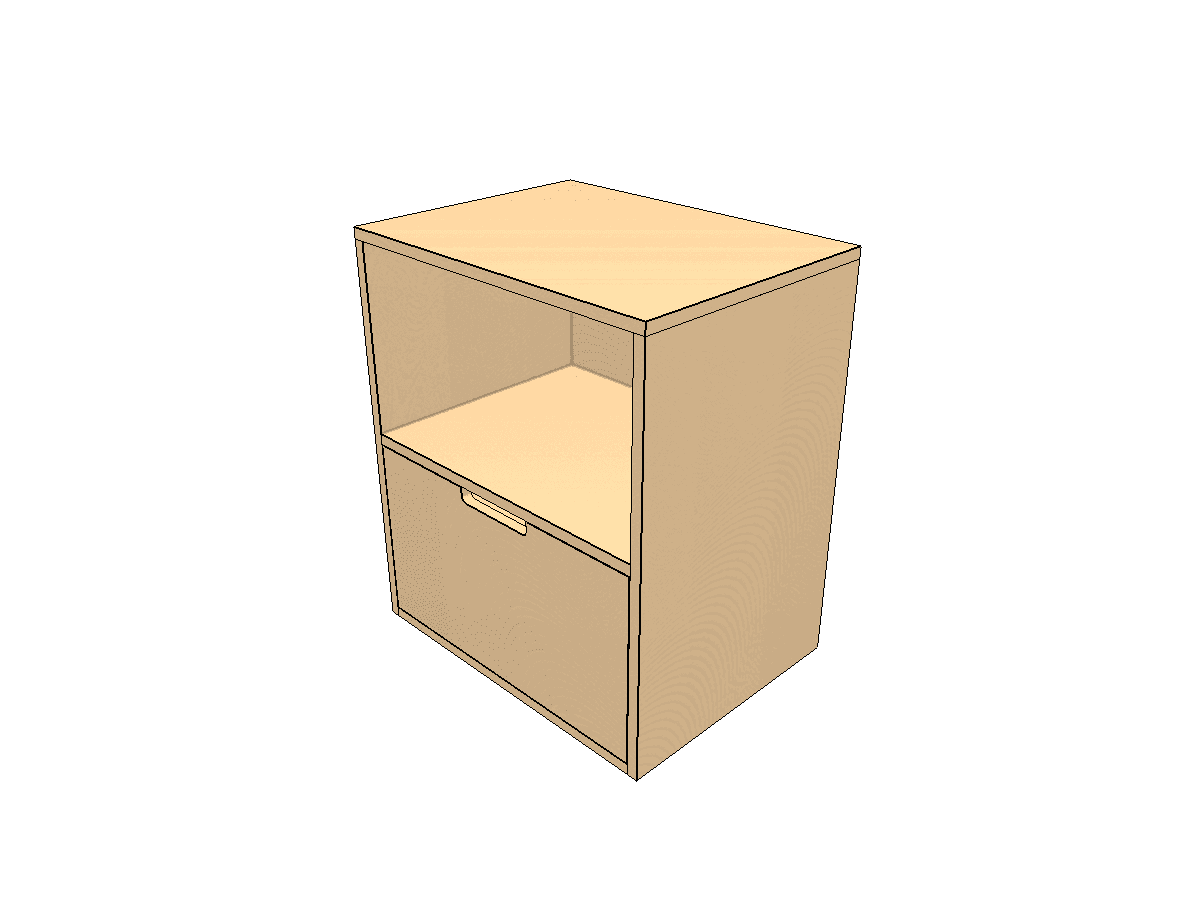 Step 13: Drawer front cover installed
Install the decorative front cover using shims to maintain the even gaps specified in the design.
Step 14 — Second Drawer (~15 min)
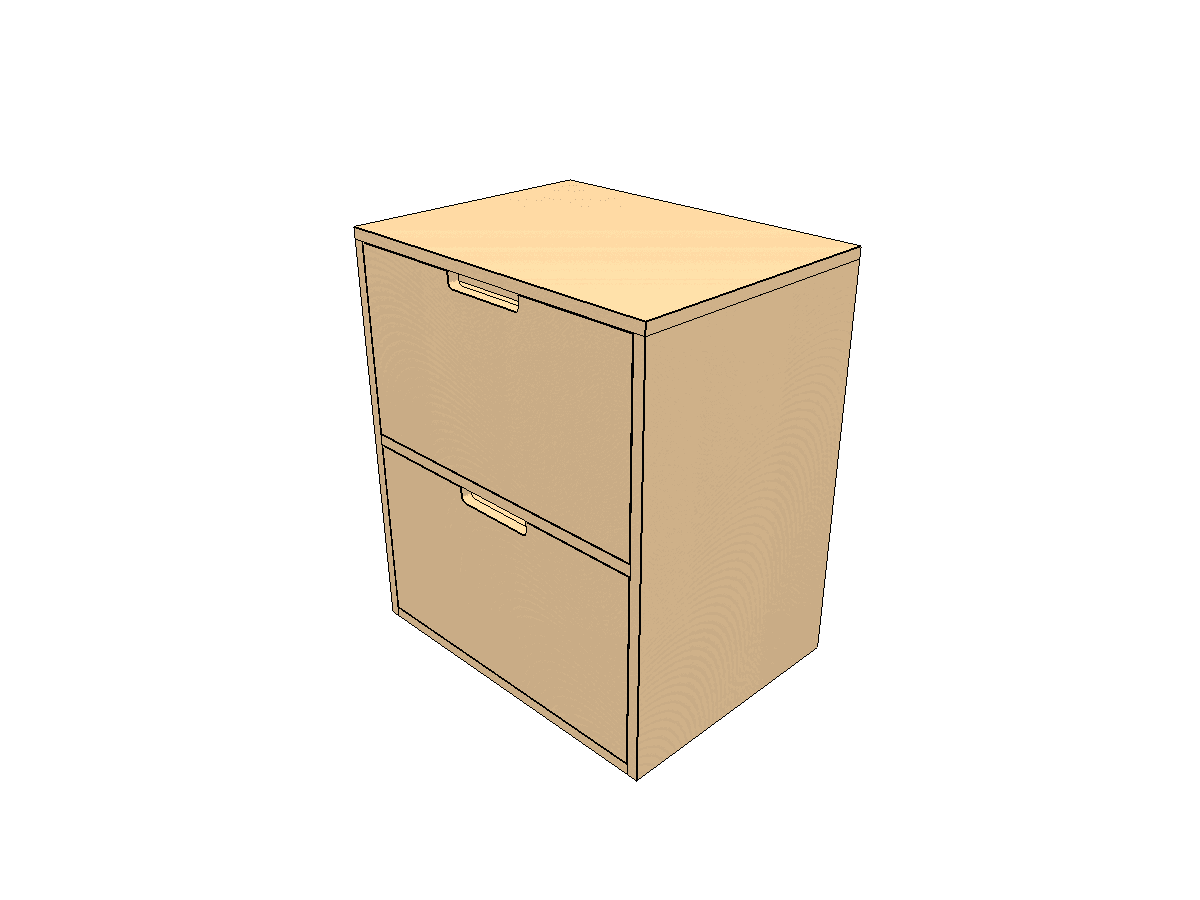 Step 14: Complete 2-drawer unit
Repeat steps 7 through 13 for the second drawer. Verify both drawers open and close smoothly.
What's in the Plans
- Technical drawings — front, side, and exploded views with every dimension
- Optimized cutting layouts — nesting algorithm, minimal waste across 1-2 sheets
- Step-by-step assembly — 3D diagrams for each of the 14 steps
- Materials and hardware list — quantities for your exact dimensions
- Appendix guides — Pocket Holes, Drawer Slides, Finishing, Maintenance
Customization
Every dimension is adjustable:
| Parameter | Range | Default |
|---|---|---|
| Width | 300–1200mm | 600mm |
| Depth | 300–600mm | 450mm |
| Height | 400–1200mm | 700mm |
| Thickness | 15–19mm | 18mm |
| Top Drawer Height | 100–600mm | 323mm |
Change one dimension and the entire plan recalculates — cut list, nesting, assembly diagrams, everything.
Ready to Build?
Enter your dimensions in the 2-drawer unit designer and download your plans. Width, depth, height, drawer proportions — all customizable.
Your measurements. Your plans. Instant download.
Your dimensions, your plans. Instant download.
Design your furniture →